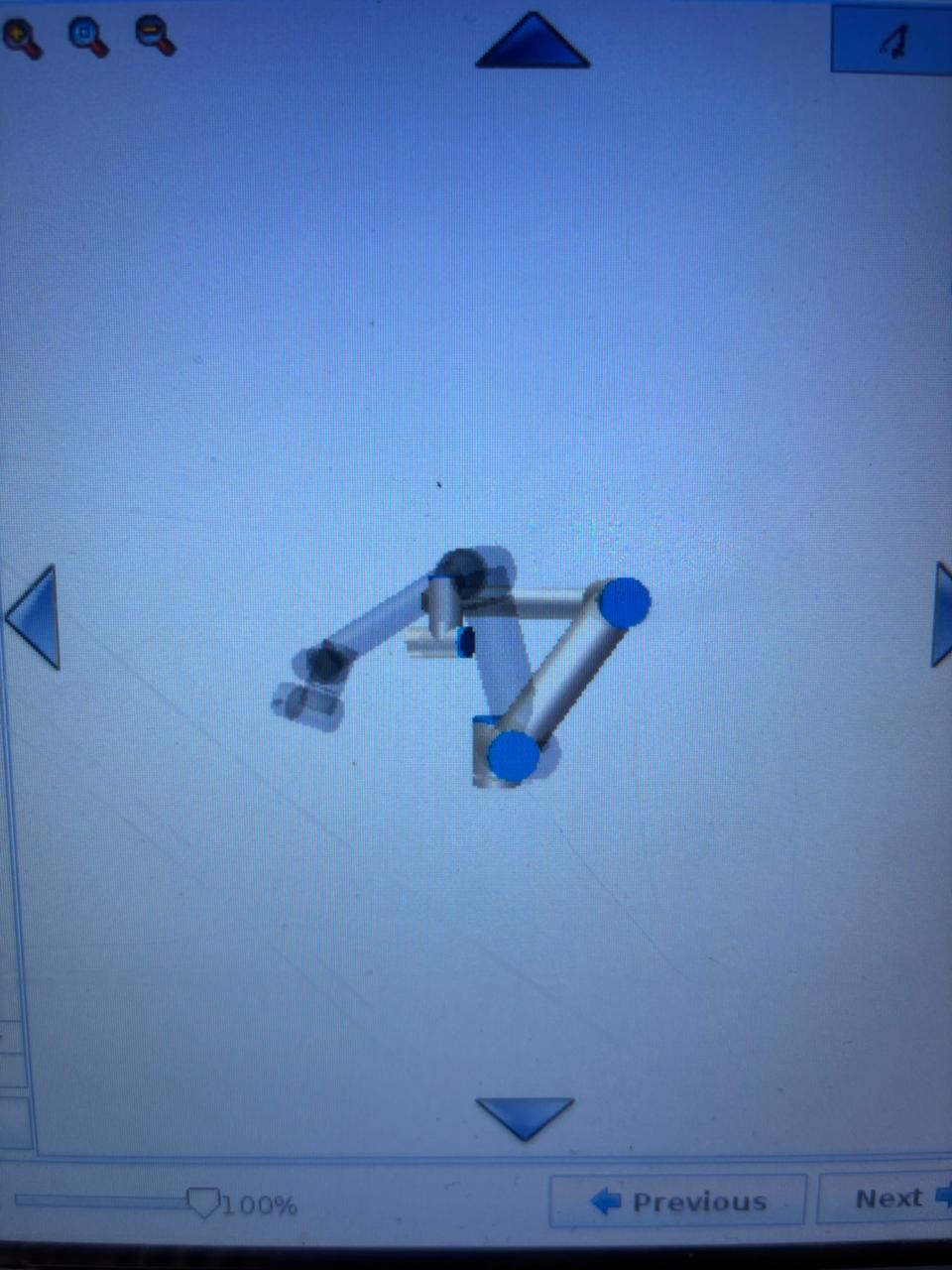
Interestingly, when I actually run the robot program, the trajectory and pose are correct and match the first picture. Yesterday, the ‘Move to This Position’ feature worked fine. Why did this suddenly happen?
My best guess is that the robot wants to rotate a joint 360 degrees to reach the position.
If you use MoveL in your program, the robot will disregard joint positions when moving to a position (as opposed to MoveJ which is joint positions). This means the robot will reach the saved coordinates through the shortest path, even though the waypoint might have been saved with a joint rotated 360 degrees in another direction (same position, different joint rotation).
You can check this when it happens by going into Manual and checking the joint positions.