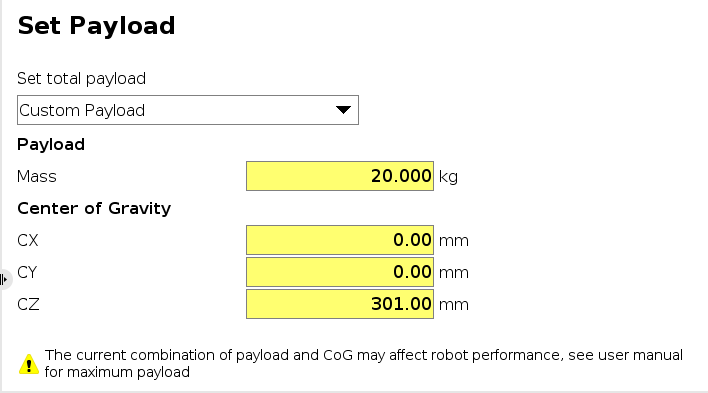
I have some troubles understanding the expanded/max payload and how it is calculated. From the user manual it states that the CoG offset curve only has to be checked in XY plane. But if I check weights and offsets on the UR controller, and go only in Z over the curve I also get a warning(This is for a UR30):
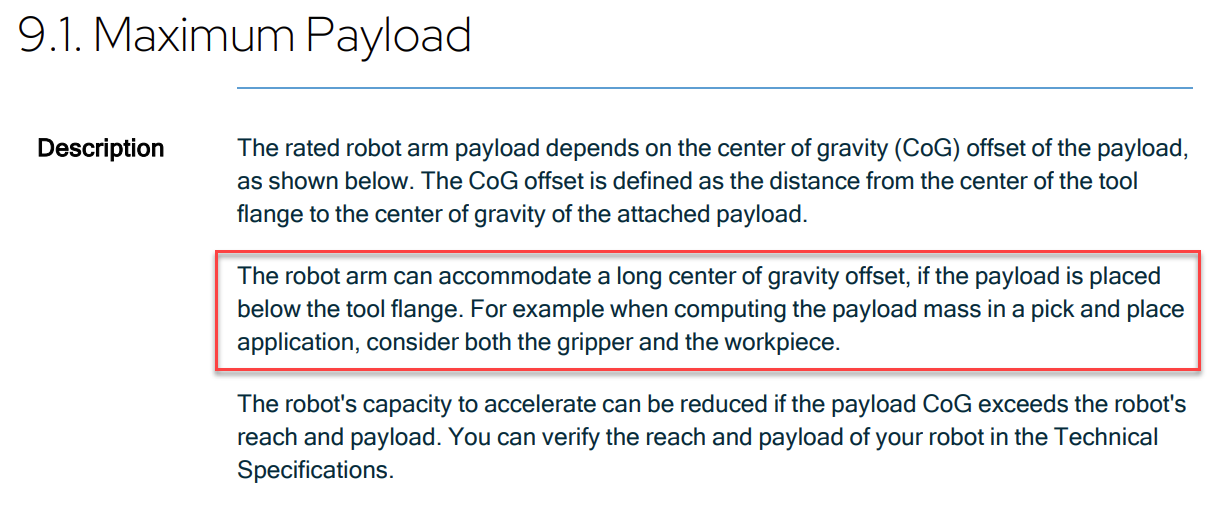
The CoG offset is applied for any direction on from the tool flange. In the correspondent part of the UR30s User manual it states that higher payloads effect the robots performance less under certain conditions when it is placed below the tool flange. See the screenshot below:
It is possible to set payload / CoG combinations outside of the specs shown in the manual. But this then leads to a decreased performance of speed and acceleration.
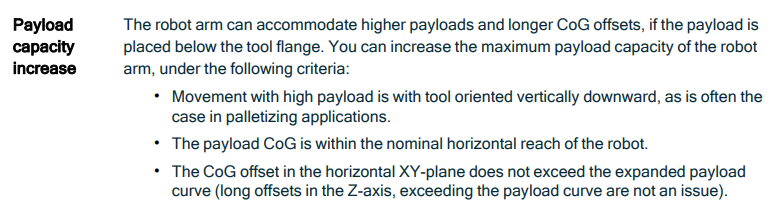
This means, that even though the payload limits are exceeded at this CoG, the correspondent performance impact may be less severe if the arms payload is only being handled below its tool flange. This is also stated in the section below: