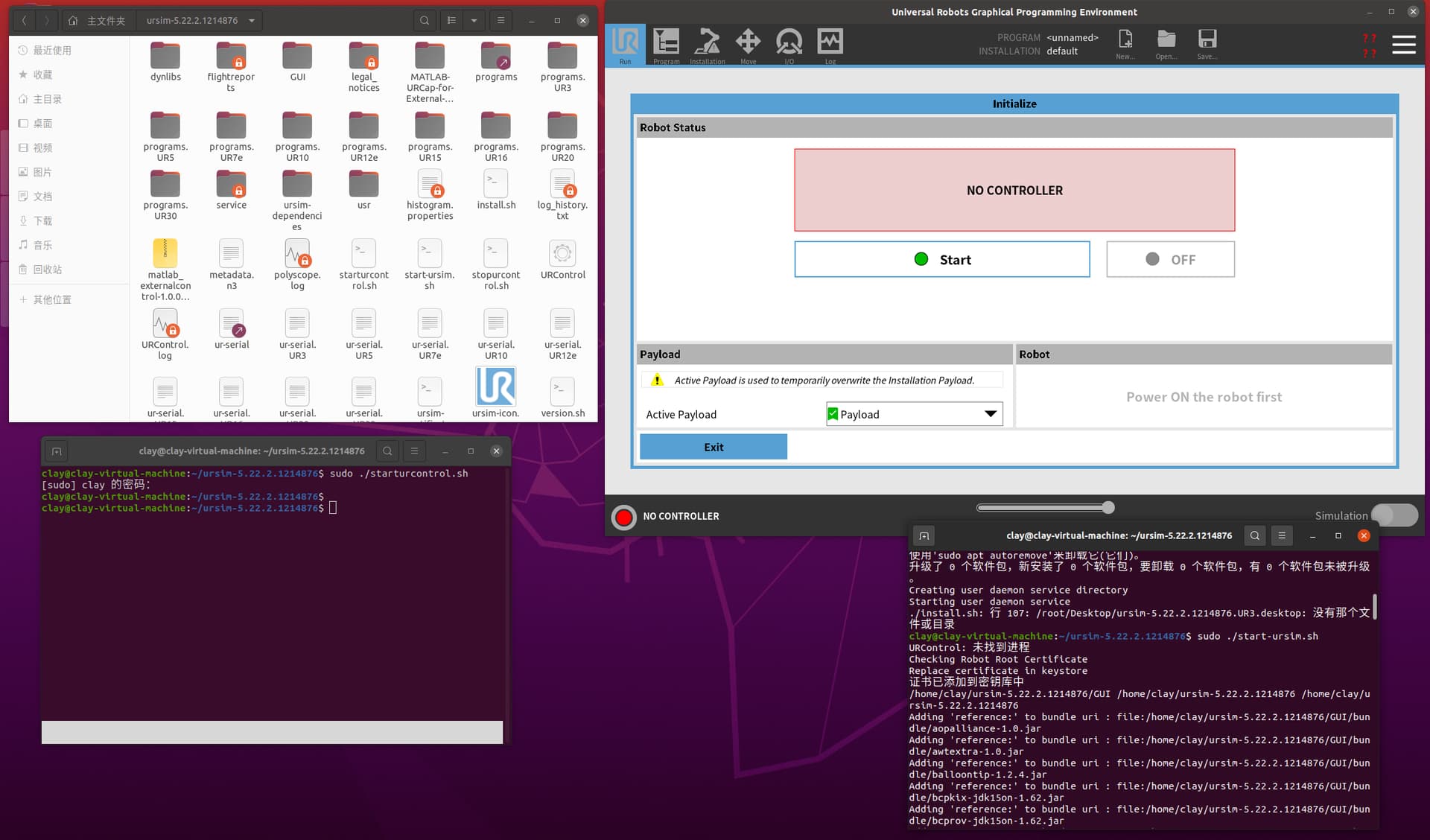
I am using Ubuntu 20.04 and following the solution provided on the official website. I am not sure if it is due to the command ‘sudo apt install libxml rpc-c++8v5: i386-y’, as when I enter this command in the terminal, it displays’ E ‘indicating that the package cannot be located. Therefore, I installed’ sudo apt install libxml rpc-c++8v5-y '.
Hello,
This problem has happened to me before!
What you need to do is:
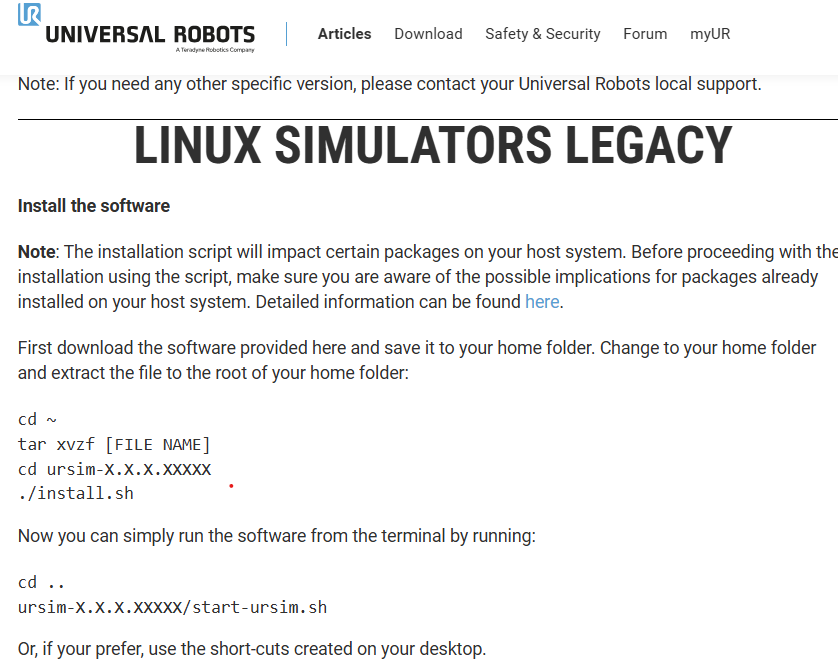
1- Open the folder containing the URSim_Linux-X.X.XX.tar.gz file via the terminal: cd FolderName
2- Extract the URSim_Linux-X.X.XX.tar.gz file via the terminal: tar xvzf URSim_Linux-X.X.XX.tar.gz
3- Open the extracted folder via the terminal: cd ursim-X.X.XX
4- Run the install.sh file via the terminal: ./install.sh
This will create shortcuts on your desktop; you can delete them.
5- You can now launch Ursim via: ./start-ursim.sh
Thank you, but it still cannot be resolved