Hi,
Here are a few tips for integrating the UR robots with path planners (MoveIt, OMPL, cuRobo, etc.)
Safety Planes
The UR robots have configurable safety planes. The safety planes are checked against the elbow sphere of the robot, and 3 configurable tool spheres. If you add the safety planners and those spheres to your collision model, you can avoid path planners to generate paths that violate safety planes.

The elbow sphere is defined in urcontrol.conf for each robot model, and the safety planes are defined in the safety.conf file, both located in /root/.urcontrol/ on the robots.
Wrist clamping
The safety system of the also prevents hand clamping between the lower arm and the tool flange. This is prevented by ensuring a safe distance of 2.8cm between these parts so fingers cannot get clamped.
If the robot moves too close to the wrist clamping position limit, the robot issues a C403 protective stop
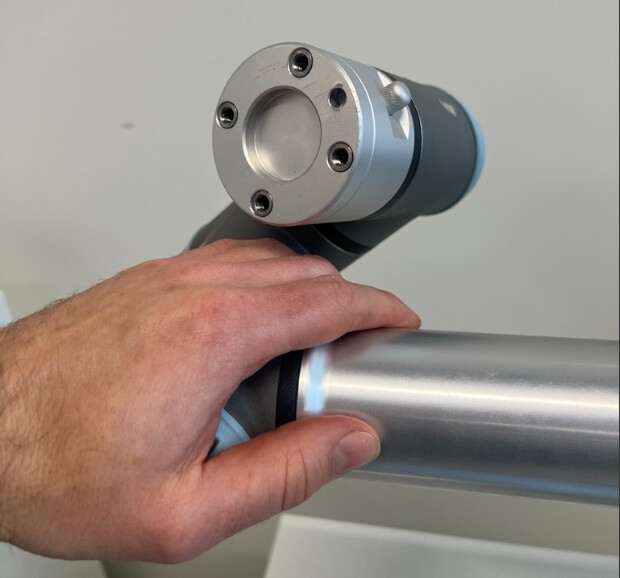

You can prevent that by increasing the collision geometry for the lower arm in the collision model of the robot.